Autofill Vault: Store Your Details Once, Fill Them Anywhere
Store Your Details Once, Fill Them Anywhere
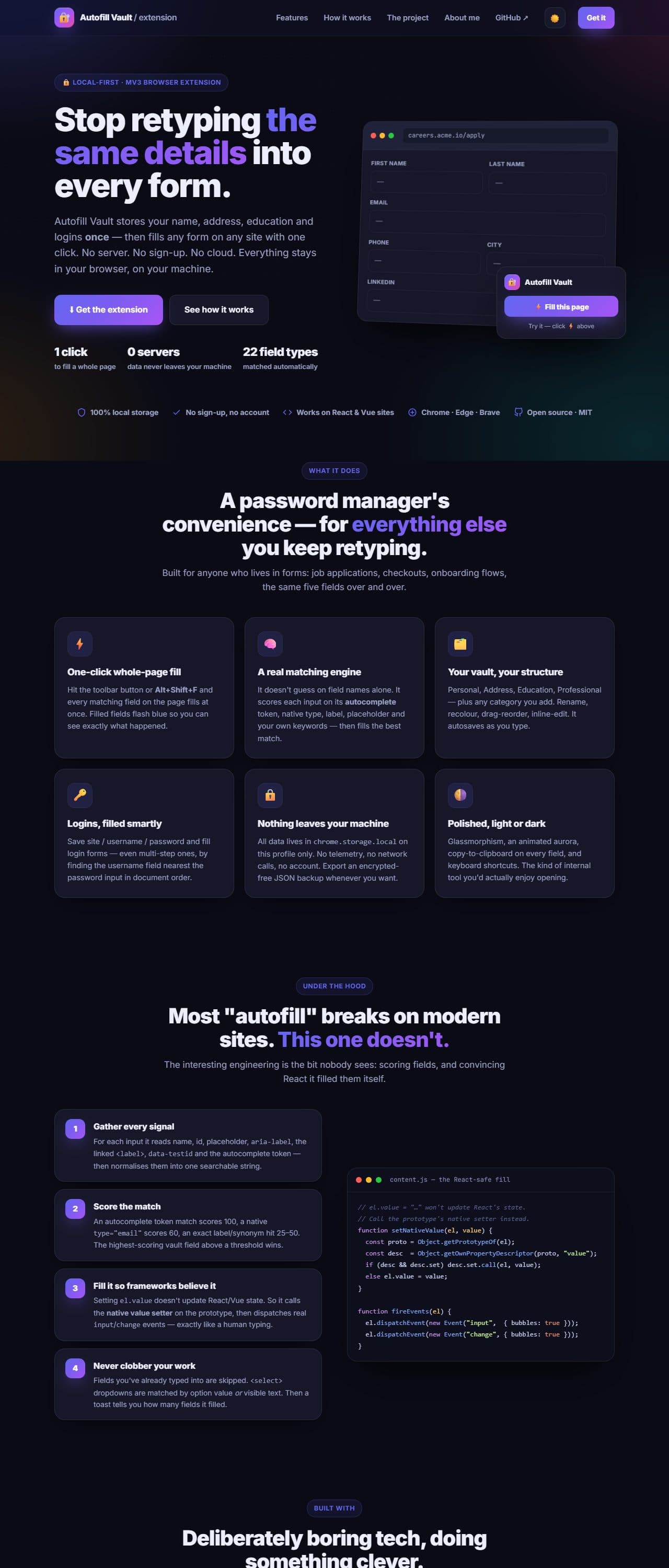
A personal browser extension that keeps your details (name, email, address, education, accounts) in one place and copies or autofills them on any site with one click. There is no server, sign-up or cloud. Everything stays in your browser's local storage.
- Year
- Aug 2025
- Timeline
- 3 weeks
- Type
- Developer Tools
- Status
- Live
Overview
Autofill Vault stores your details once and copies or fills them anywhere. A full-page dashboard organises everything into categories (Personal, Address, Education, Professional, plus any you add) with a copy button on every field. A toolbar popup offers "Fill this page," shows accounts saved for the current site, and has a quick search-and-copy box. It is simple and local by design.
The hard parts
- 01
Matching wildly inconsistent field names, labels and autocomplete hints across arbitrary sites.
- 02
Filling frameworks like React and Vue, which ignore a naive value assignment.
- 03
Keeping a category-based vault editable with no friction: type and it autosaves.
- 04
Being upfront that the local store is simple and unencrypted.
The approach
A shared data model and field-type dictionary back both the dashboard (rename, reorder and extend categories, with inline editing) and the popup. The autofill engine injects into the page, detects fields, and fills them by matching names, labels and autocomplete hints, flashing each filled field blue. It also works on React and Vue forms, and Alt+Shift+F fills the whole page. JSON export/import keeps the vault portable. It is plain HTML/CSS/JS with no build step: edit a file and hit Reload.
Outcome
Filling the same forms over and over mostly goes away, whether triggered from the popup, a keyboard shortcut or right-click. It is the simpler predecessor of ApplyOS, and the project that convinced me to handle passwords properly the next time.
What I'd do differently
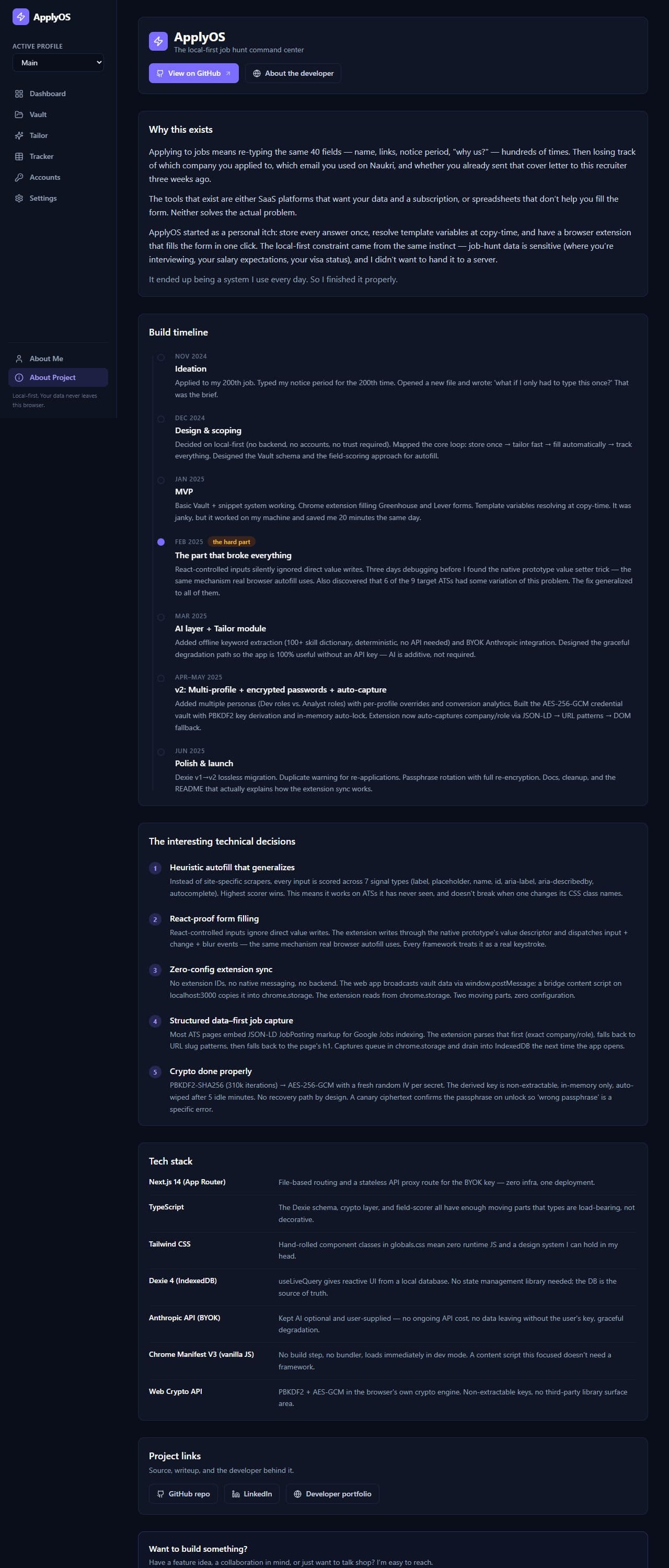
By design it stores data, including passwords, unencrypted in chrome.storage.local. That is fine for convenience but it is not a substitute for a password manager. That limitation is what pushed me to build ApplyOS's AES-256-GCM credential vault.
Stack
Like what you see?
Let's build the next one.
Hiring, or have a problem that needs this kind of engineering? I read every message myself.